

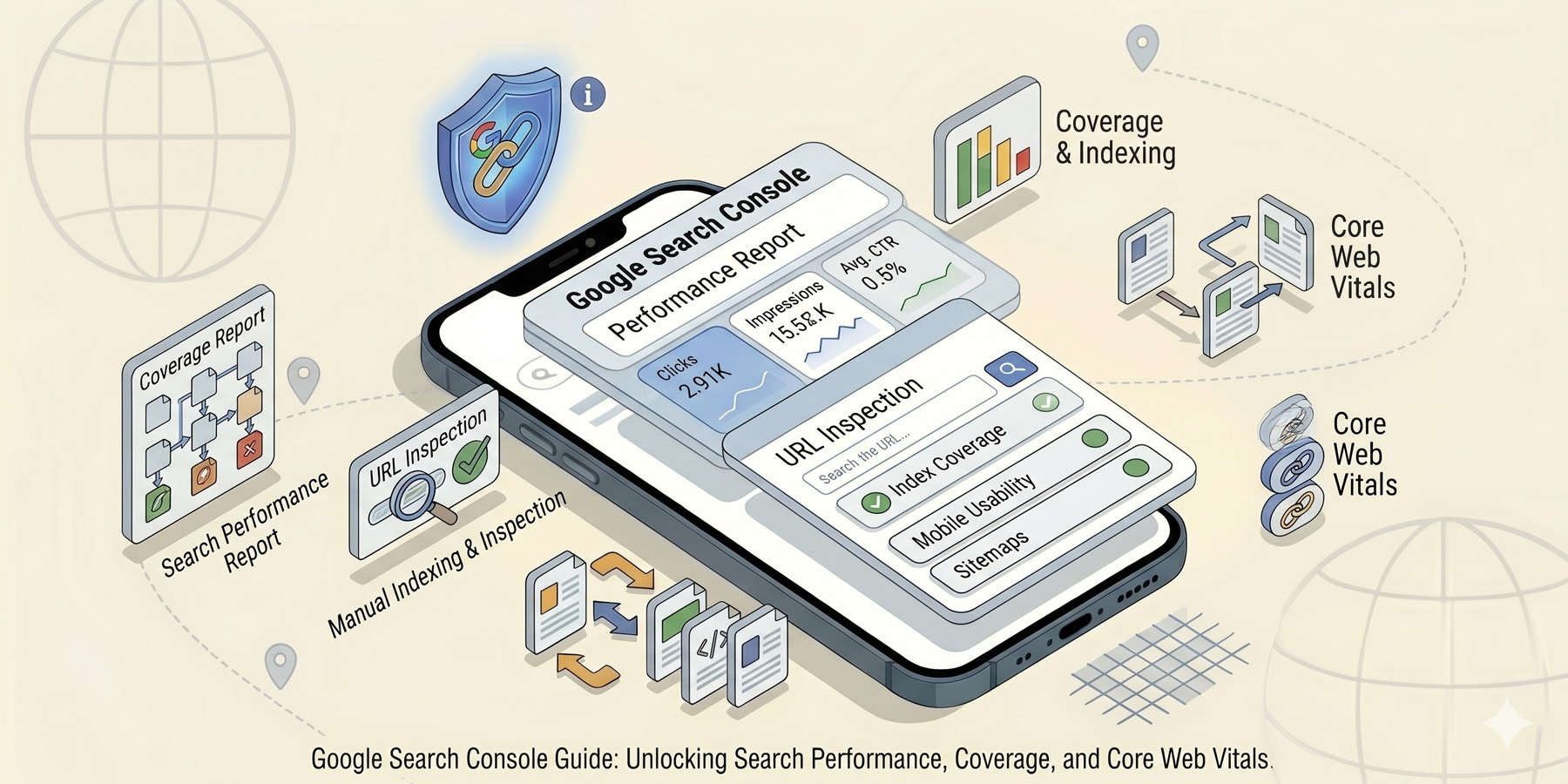
Google Search Console (GSC) is free, takes ten minutes to set up, and tells you more about your website’s SEO health than any paid tool. Every business with a website should have it. Most don’t, because it looks technical at first glance.
It isn’t. Here is what GSC actually does, how to set it up, what to look at, and the 20-minute monthly check that catches most problems early.
What Google Search Console actually is
GSC is Google’s own dashboard for showing you how your site appears in search results. It tells you:
- What search queries you’re showing up for
- How many clicks and impressions you’re getting
- Which pages are indexed (and which aren’t, and why)
- Whether anything technical is broken
- Whether other sites are linking to you
It’s the closest you’ll get to looking at your site through Google’s eyes. And because it’s Google’s own tool, the data is more accurate than anything else.
How to set it up
Go to search.google.com/search-console and click “Add property”. You’ll be asked to verify that you own the domain. The easiest verification method is “HTML tag”, where Google gives you a snippet of code to paste into your site’s <head> section.
If you use WordPress with Yoast SEO or Rank Math, both plugins have a field where you paste the verification code without touching theme files. Five-minute job.
Once verified, give Google 48 to 72 hours to start populating data. You won’t see meaningful information immediately; the dashboard fills up over the following weeks.
Pro tip: verify both the www and non-www versions, plus https and http if any of them are still active. Or better yet, use the “Domain” verification option, which covers all of them at once (requires adding a DNS TXT record at your registrar).
The dashboard tour
The left sidebar has half a dozen sections. Here is what each does:
- Overview. The home page. Charts of clicks, impressions, indexed pages, and any active issues. Good at-a-glance health check.
- Performance. The most useful section. Queries, pages, countries, devices, click-through rates. This is where you spend most of your time.
- URL Inspection. The bar at the top. Paste any URL on your site to see how Google sees it, whether it’s indexed, and any issues.
- Indexing. Sitemaps, pages indexed and not indexed, why pages aren’t indexed. The diagnostic section.
- Experience. Core Web Vitals, mobile usability, page speed.
- Links. Who’s linking to you (external) and which of your own pages link to which (internal).
Performance: queries, clicks, impressions
The Performance report is where the gold is. You’re looking at four numbers:
- Clicks. People who clicked through from a Google result to your site.
- Impressions. How many times your site appeared in someone’s search results, whether they clicked or not.
- CTR (click-through rate). Clicks divided by impressions. A measure of how compelling your title and description are.
- Average position. Where your site ranks on average for queries it appears for.
Below the chart, you can filter by Queries (what people typed), Pages (which page of yours appeared), Countries, Devices, and Search Appearance. The two most useful filters for a small business:
Queries: shows you exactly what people are searching when they find you. Sometimes this surprises you. Pages might be ranking for keywords you never targeted. Those are opportunities (write more about that topic, optimise the existing page further).
Pages: shows you which of your pages are getting traffic. Your top pages might not be the ones you expected. Boost them with more internal links and better calls to action.
Indexing: what’s in, what’s not
The Indexing → Pages report tells you which pages Google has indexed and which it hasn’t. Both numbers matter.
Indexed pages are healthy. Not-indexed pages are categorised by reason: “Discovered, not indexed”, “Crawled, not indexed”, “Excluded by noindex tag”, “Not found (404)”, “Page with redirect”, “Duplicate”. Each tells you something different. Click into any category to see which URLs are affected.
The two to pay attention to:
- Discovered, currently not indexed. Google knows about these pages but hasn’t crawled them. Often a crawl budget or quality signal issue. If actual important pages are stuck here, request indexing manually using URL Inspection.
- Crawled, currently not indexed. Google looked and chose not to index. Usually a quality or duplication issue. If real content is stuck here, the fix is to make it more substantive or merge it with similar pages.
The 20-minute monthly check
Once a month, run through this:
- Overview. Any new issues flagged? Investigate them.
- Performance, last 28 days. Clicks and impressions trending up, flat, or down? Note the trend.
- Performance, top queries. Anything new in the top 20? Anything you’ve slipped on?
- Performance, top pages. Same check.
- Indexing. New pages indexed since last month? Any new categories of issue?
- Experience. Core Web Vitals all green? If not, investigate.
This whole check takes 20 minutes. You’ll catch most problems within a month of them appearing, which is fast enough to fix them before they hurt rankings.
Common issues and what they mean
- Submitted URL not found (404): A URL in your sitemap doesn’t exist. Either set up a redirect or remove the URL from the sitemap.
- Submitted URL has crawl issues: Usually a temporary problem. Re-check in a few days.
- Page with redirect: A URL redirects to another. Usually intentional and fine.
- Excluded by noindex tag: The page has a noindex meta tag. Sometimes intentional (admin pages, thank-you pages, category and tag archives). Sometimes accidental. Worth checking.
- Soft 404: Google thinks a page returns nothing meaningful. Either improve the page content or remove the page.
When to actually act on what you see
Not every metric movement is a problem. Some guidelines:
- Click and impression drops of 10% week-on-week are noise. 30% drops over a month deserve investigation.
- Average position drops of 1 to 2 spots are normal volatility. Drops of 5+ spots are real.
- New “Not indexed” issues affecting 1 to 2 pages are usually nothing. Issues affecting 20+ pages deserve a fix.
Read next
Once you can read GSC, the natural next step is doing something with it: better internal linking on under-performing pages, better page titles for low-CTR queries, more content around terms you’re ranking for unexpectedly. See our guide to page titles and internal linking for the two highest-leverage fixes most GSC reports surface. The big-picture context is in our SEO pillar guide.
Need a hand?
If GSC keeps surfacing issues you’re not sure how to interpret or fix, that’s part of what we do. Have a look at our SEO services, or get in touch.