

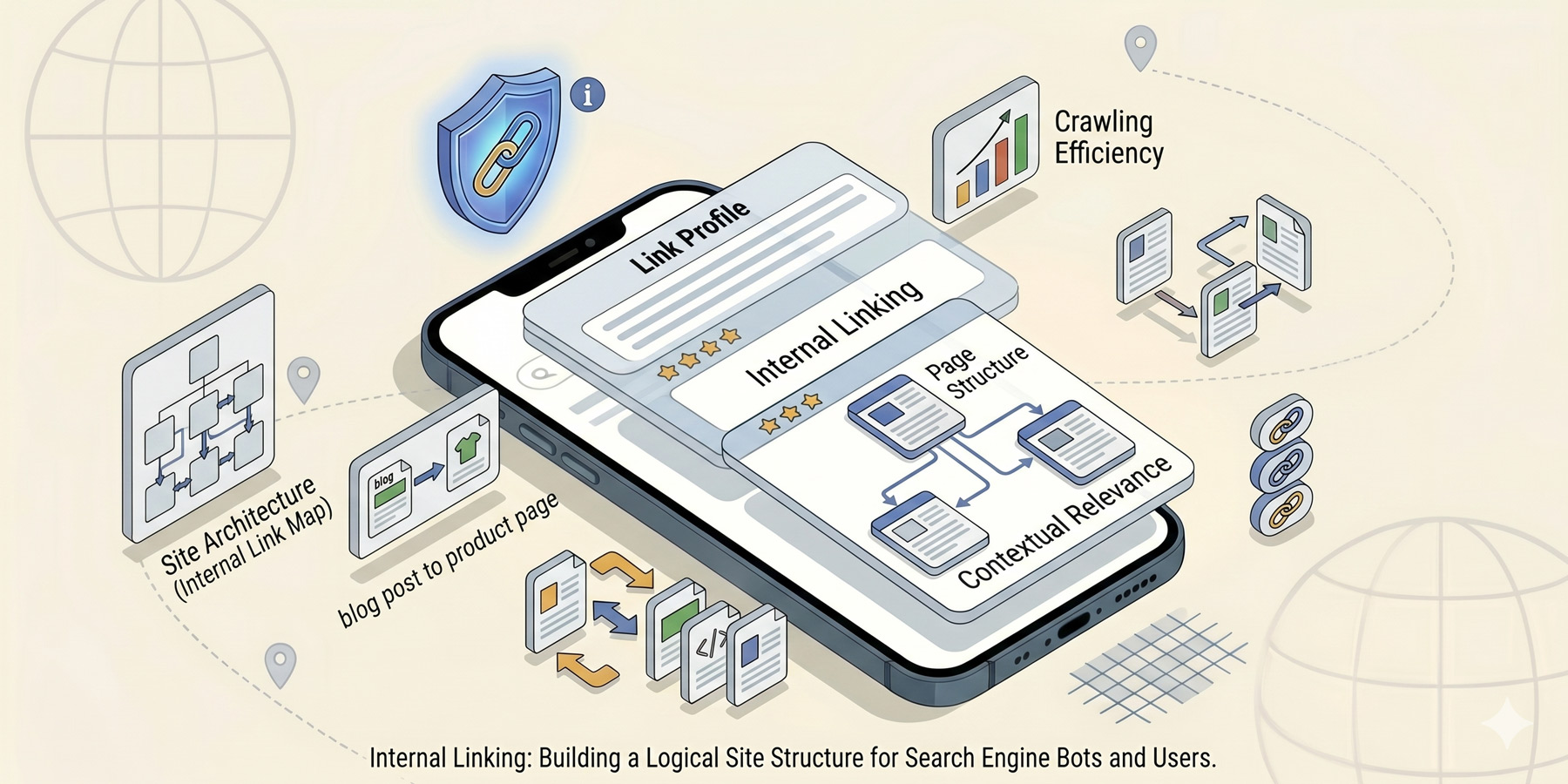
Of all the SEO tactics available to a small business owner, internal linking is the most under-used and the most under-rated. It costs nothing. It takes minutes per page. And it can meaningfully lift the rankings of pages you’ve already written without you writing anything new.
Here is what internal linking is, why it matters, and how to do it well on a small site.
What internal linking is (and isn’t)
An internal link is a link from one page on your website to another page on the same website. That’s it. The navigation menu at the top is internal linking. The “read next” links at the bottom of an article are internal linking. The “see our services” link in a paragraph is internal linking.
External links go to other websites. Backlinks come from other websites to yours. Both of those matter for SEO, but they’re not what this article is about. We’re talking about the links you place on your own site, to your own site.
Why internal linking matters
Two main reasons:
- Discovery. Google’s crawlers move through your site by following links. The more internal links pointing to a page, the more easily Google finds it and the more it understands the page is important. Orphan pages (pages with no internal links pointing to them) often go un-indexed.
- Authority distribution. Internal links pass authority from one page to another. Your homepage usually has the most authority on your site (because external links point to it). Internal links from your homepage to other pages pass some of that authority along.
The practical effect: pages with strong internal linking rank higher than pages with weak internal linking, all else equal.
The anchor text question
Anchor text is the clickable text of a link. It’s a strong signal to Google about what the linked page is about.
Good anchor text:
- Is descriptive of where the link goes
- Uses the target page’s keyword naturally where possible
- Reads as natural language, not keyword salad
Examples:
- Bad: “Click here for more information about our web design service.” (Anchor text “click here” tells Google nothing.)
- Better: “See our web design service for what we cover.” (Anchor text matches the target page’s focus.)
One caveat: don’t use the exact same anchor text every single time you link to the same page. That looks manipulated. Vary it naturally.
Where internal links go (and where they don’t)
Internal links work best when they sit inside the body content of your pages. Links in:
- Body paragraphs (genuinely useful, in context)
- “Read next” sections at the bottom of articles
- Service grids on the homepage or service overview pages
- Footer (with restraint)
- Navigation menu (a given)
Links that don’t pass the same weight: links inside the same page’s content pointing to a different anchor on the same page, links inside images (Google reads alt text, but text links are stronger), and links inside heavily duplicated areas (like every blog post’s sidebar).
Hub and spoke: the pillar page approach
The most powerful internal linking structure for a small site is the hub-and-spoke model, also known as a pillar and cluster.
- One pillar page covers a broad topic in depth (e.g. “SEO for South African Small Businesses”).
- Multiple cluster articles each cover a specific sub-topic in depth (keyword research, page titles, image SEO, etc.).
- The pillar links out to each cluster article. Each cluster article links back to the pillar.
- Cluster articles also link to each other where it makes sense.
The result: search engines see a structured topic hub. Each article reinforces the others. The pillar page ranks for the broad topic, the clusters rank for specific queries, and traffic flows between them. We’ve built this exact structure for our SEO content; you’re reading one of the spokes right now.
Doing an internal link audit
Once a year, audit your existing content. It’s not difficult:
- List every important page on your site (services, key blog posts, pillar pages).
- For each one, run a site search (“yourdomain.com” + the page topic) to see what’s already linking to it.
- Identify pages that should be linking to it and aren’t.
- Go back and add internal links where they fit naturally.
For larger sites, tools like Screaming Frog, Ahrefs, or Semrush will give you a full internal link map automatically. For small sites, a manual pass once or twice a year is plenty.
Tools to help
- Yoast SEO and Rank Math (WordPress plugins). Both suggest internal linking opportunities as you write new content.
- Link Whisper. WordPress plugin specifically for internal linking suggestions and orphan page detection. Paid but useful for content-heavy sites.
- Screaming Frog. Free for up to 500 pages. Generates a full internal link audit.
- Google Search Console. The “Links” report shows you internal link counts per page and surfaces orphans.
Common mistakes
- Too few links. A 2,000-word article with no internal links is a missed opportunity. Three to seven contextual links is a healthy range.
- Too many links. A 500-word article with 25 internal links looks unnatural and dilutes the value of each link.
- Linking the same page from every page. A footer link to your contact page is fine. Forcing it into every blog post body isn’t.
- “Click here” anchors. Always describe where the link goes.
- Broken internal links. If you delete or move a page, update or redirect every link pointing to it. Broken internal links hurt both user experience and crawl efficiency.
An afternoon’s worth of impact
If you’ve been blogging for a year or two and you’ve never thought about internal linking, you can probably lift your site’s SEO meaningfully in an afternoon. Go through your 10 best articles. For each one, ask: which of my other articles should this link to? Add 3 to 5 links per article, naturally placed, with descriptive anchor text. Re-publish.
It’s the simplest, fastest SEO win still available to most small business sites.
Read next
Internal linking pairs well with strong on-page basics. See page titles and meta descriptions and the overall SEO guide for South African small businesses to put the picture together.
Need a hand?
A full internal link audit is tedious but high-leverage. We do these as part of our SEO work. Have a look at our SEO services, or get in touch.