

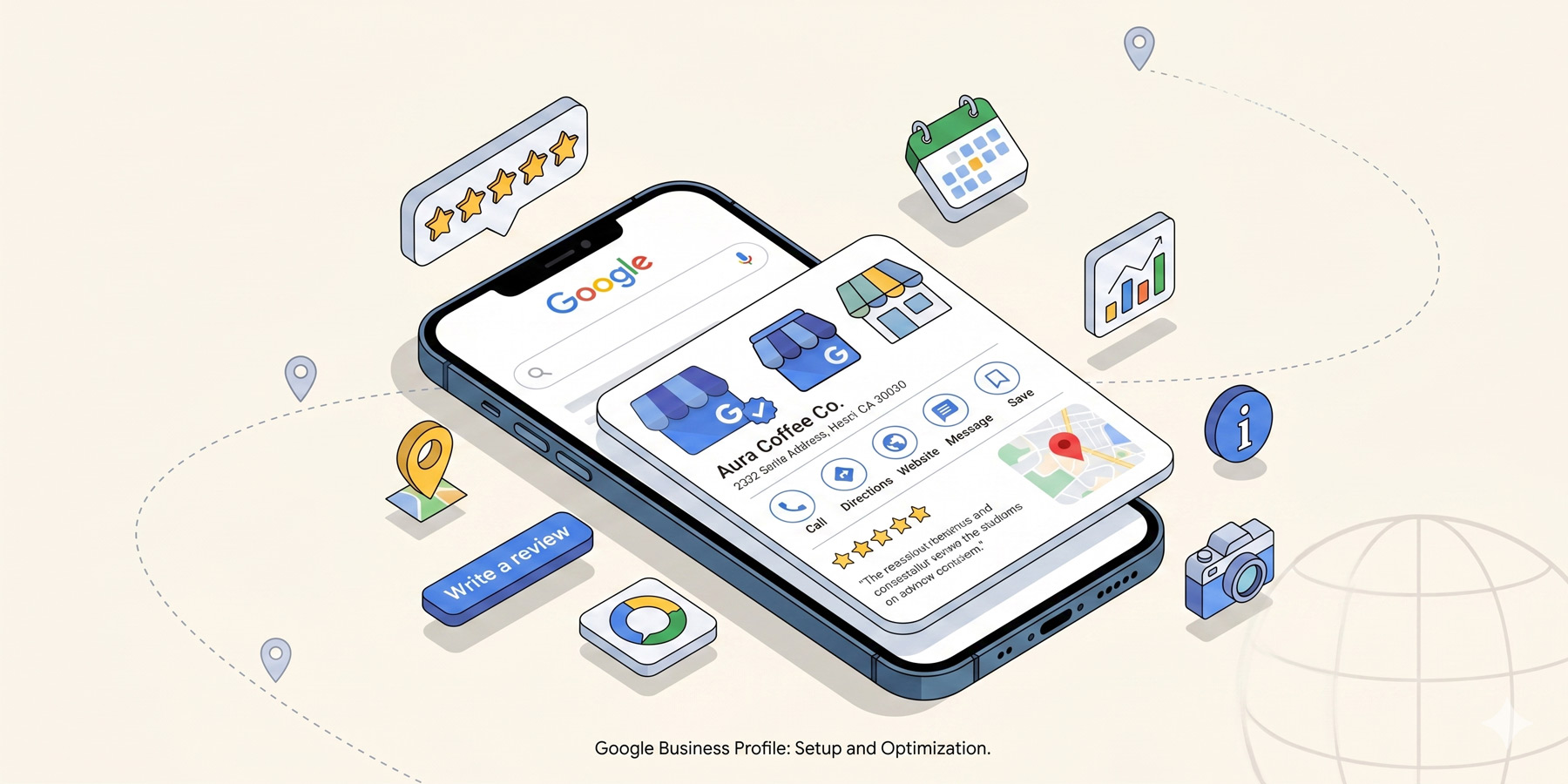
If you run a small business in South Africa and you’re trying to figure out where to start with SEO, the answer is almost always Google Business Profile.
It’s free. It takes an hour to set up properly. It’s the listing that shows up when someone searches for your business by name or for the kind of thing you do “near me”. And it does more for your local visibility than your website, your social media, and your paid ads combined for most service businesses.
If yours is half-empty, ignored, or you don’t have one yet, here is how to set up Google Business Profile properly. Step by step, in plain English.
Why Google Business Profile is the highest-impact local SEO move
When someone in Johannesburg searches “physiotherapist near me”, Google shows them three results in a small map box at the top of the results page. Below that is the regular search listings. That map box, called the local pack, gets the lion’s share of clicks. The three businesses listed there are pulled from Google Business Profile.
If you’re not in that box, you’re not really competing locally. If you are, you’re getting found by people who are actively ready to buy. That is the most valuable real estate in local SEO, and it’s controlled entirely by your Business Profile.
Claiming or creating your profile
Go to business.google.com and either sign in to your existing profile or search for your business by name. If a listing already exists (sometimes Google creates them automatically, or a customer added one), you’ll need to claim it. Verification is usually by postcard to your business address, occasionally by phone, and increasingly by video for service-area businesses.
If no listing exists, create one from scratch. Either way, the verification step is non-negotiable. You can’t manage a profile you haven’t verified.
Filling in every field that exists
This is where most businesses fall down. They claim the profile, fill in the basics (name, address, phone, website) and stop. Google rewards completeness. The more fields you fill, the better you rank.
Fill in:
- Your full business name (matching exactly how it appears on your website and signage)
- Address (matching everywhere else you list it; more on that in our NAP consistency guide)
- Phone number with the SA dialling code (+27)
- Website URL
- Hours of operation, including special hours for public holidays
- Service area, if you travel to customers
- A 750-character description of your business
- The year you opened
- Attributes (women-led, wheelchair accessible, accepts credit cards, etc.)
- Services or products with prices, where relevant
If a field exists, fill it in. The completeness score visible in your dashboard isn’t decoration. It’s one of the inputs Google uses to decide how prominently to feature you.
Photos: do this properly
Profiles with photos get 42% more requests for directions and 35% more click-throughs than profiles without, according to Google’s own data. So this matters.
What to upload:
- A clear logo as your profile photo
- A cover photo that represents your business well
- 3 to 5 exterior photos (so people can spot your building from the street)
- 5 to 10 interior photos showing the space
- Photos of your team, if you’re comfortable with it
- Photos of your work, products, or service in action
Add a few new photos every month going forward. Google likes signals that the listing is alive and maintained.
Categories: get this right
You get one primary category and up to nine secondary categories. The primary one is the most important: it’s the strongest signal to Google about what your business does.
Pick the most specific category that matches what you do. “Pizza restaurant” beats “Restaurant”. “Wedding photographer” beats “Photographer”. Then add genuinely relevant secondary categories. Don’t stuff them with everything tangentially related; Google notices and discounts the whole listing.
Service area versus storefront
Two kinds of businesses use Google Business Profile differently:
- Storefront businesses (shops, restaurants, gyms, offices customers visit) display their full address publicly.
- Service-area businesses (plumbers, electricians, mobile dog groomers, anyone who goes to the customer) hide the address but list service areas (suburbs, cities, or regions they cover).
Pick the right one. Listing a residential address as a storefront is against Google’s rules and can get you suspended.
Posts: the underused feature
Google Business Profile lets you publish short posts (updates, offers, events) that appear on your listing. Almost no small businesses use this. It’s a free way to keep the listing active, signal recency to Google, and surface your latest news to anyone searching for you.
You don’t need to post daily. One useful post a fortnight is plenty. A new service, a piece of work you finished, a seasonal offer, an event coming up. All of it counts.
The Q&A section
Anyone can post a question to your Business Profile, and anyone can answer it. Including you. Including your competitors. Including unhinged strangers.
Pre-empt this by adding 5 to 10 common questions yourself, with proper answers. “Do you accept walk-ins?” “What’s your turnaround time?” “Do you deliver?” Add the question and then add your answer. Now those questions are answered by you, prominently displayed, and not waiting for someone less helpful to fill the void.
The “you’re done” checklist
- Every field filled
- Verified status (green tick)
- 10+ photos uploaded
- Primary category specific and accurate
- 2 to 4 secondary categories added
- 5+ pre-filled Q&A items
- At least one Post published
Common mistakes
- Keyword stuffing the business name. “Bob’s Plumbing Johannesburg Best Plumber” violates Google’s guidelines and can get you suspended. Use your actual business name.
- Listing a fake address. Don’t list a residential or shared address as a storefront. Don’t list multiple addresses for the same business.
- Ignoring the profile after setup. Reviews come in, questions appear, photos need refreshing. Five minutes a fortnight is enough, but it has to happen.
- Not adding services. Most service businesses skip this. It’s a missed ranking signal and a missed conversion opportunity.
Read next
Once your profile is set up, the next big lever is reviews. Here’s how to get reviews that actually lift your local SEO. And to keep everything consistent across the rest of the web, see our NAP consistency guide.
Need a hand?
If you’d like your Google Business Profile audited, set up properly, or actively managed alongside the rest of your local SEO, that’s part of what we do. Have a look at our SEO services, or get in touch for a quick chat.