

Once your website is live it’s easy to forget it exists – until something breaks, a plugin stops working, or you get an email telling you your site has been flagged for malware. WordPress maintenance isn’t complicated, but it is something that needs to happen regularly. Here’s what’s actually involved and how often you need to think about it.
Why WordPress Needs Regular Attention
WordPress powers over 40% of the internet, which makes it a popular target for security vulnerabilities. Most of these vulnerabilities don’t come from WordPress itself – they come from outdated plugins, themes, and core files that haven’t been updated. Keeping everything current is the single most effective thing you can do to keep your site secure.
Beyond security, regular maintenance keeps your site performing well. Plugins conflict with each other. Databases accumulate unnecessary data. Caching needs clearing. None of it is dramatic, but left unattended it adds up.
What Needs Doing and How Often
WordPress core updates – as they’re released, typically every few weeks. Major updates happen a few times a year and deserve a bit more attention before applying.
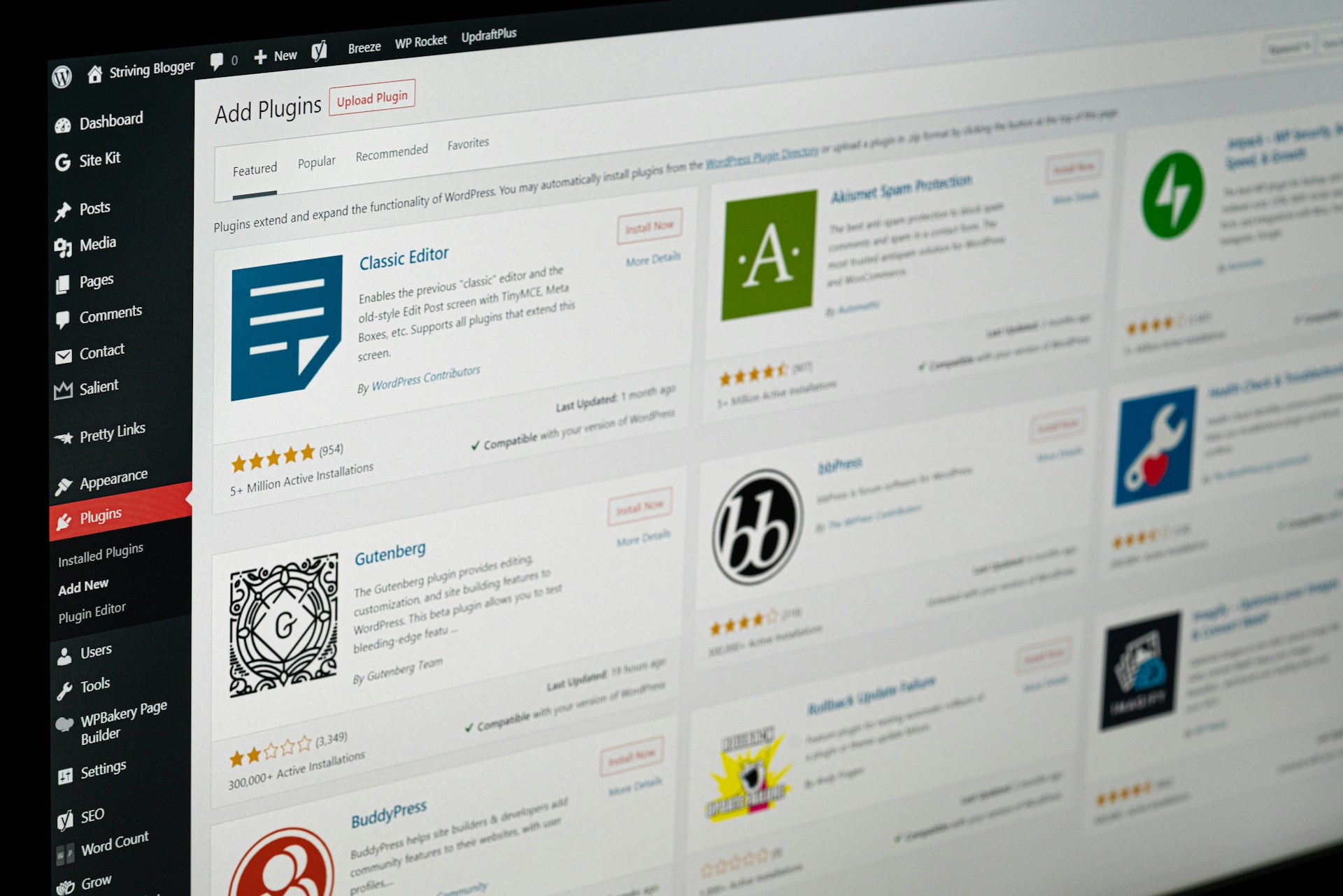
Plugin and theme updates – weekly. This is the most important ongoing task. Outdated plugins are the number one cause of WordPress security issues.
Backups – at minimum weekly, ideally daily if your content changes regularly. A backup is the difference between a recoverable problem and a catastrophic one. It should be stored somewhere separate from your hosting – not just on the same server as your site.
Security scans – monthly. A malware scan picks up anything that’s crept in before it becomes a bigger problem.
Database optimisation – monthly. Clears out post revisions, spam comments, and other accumulated clutter that slows things down.
Broken link checks – every few months. Broken links are bad for user experience and bad for SEO.
Performance checks – every few months. Page speed affects both user experience and search rankings. It’s worth keeping an eye on your Google PageSpeed score and addressing anything that’s slipping.
What Happens If You Ignore It
In the short term, not much. WordPress is fairly resilient. But over time the risks compound – security vulnerabilities accumulate, performance degrades, and eventually something breaks at the worst possible moment. A hacked website or a site that goes down before a big campaign is significantly more expensive to fix than the maintenance that would have prevented it.
The Easiest Solution – Managed Hosting
If reading a maintenance checklist makes your eyes glaze over, managed WordPress hosting is the answer. With managed hosting, the core maintenance tasks – updates, backups, security monitoring, and performance optimisation – are handled automatically as part of your hosting plan.
It’s the difference between owning a car and having a service plan. The car still needs fuel and the occasional wash, but you’re not crawling under the bonnet every week.
Our managed WordPress hosting includes automatic backups, WordPress core and plugin updates, malware scanning, SSL, and high Google PageSpeed scores as standard. It’s what we recommend to every client we build for – and it’s available to add to any website package.
What You Still Need to Handle Yourself
Even with managed hosting there are a few things that need human input. Content updates, new pages, design changes, and anything that requires a judgment call about whether an update might break something on your specific site. For those things, a monthly maintenance retainer or an ongoing relationship with your developer is the sensible approach.
If you’ve just had a site built and you’re figuring out how to manage the day to day content side of things, our guide to navigating the WordPress dashboard is a good place to start.
The Short Version
WordPress maintenance is mostly routine, mostly automatable, and mostly forgettable if you have the right hosting in place. The sites that run into problems are almost always the ones that were set up and then left completely unattended. A little regular attention – or the right hosting plan – goes a long way.
If you’d like to talk about managed hosting or ongoing support for your WordPress site, get in touch and we’ll figure out what makes sense.