

Most small businesses fall into one of two traps with email graphics: they either send emails that are almost entirely images (which hurts deliverability and breaks when images are blocked), or they avoid visuals altogether and send walls of text. Neither is right.
Getting graphics right in email is less about aesthetics and more about understanding how email clients actually handle images. Here’s what the research says, and why each rule exists.
Understand that images are often blocked by default
Many email clients, including Outlook and Gmail in certain configurations, block images by default. According to data from Litmus, roughly 43% of email opens happen with images turned off. Your email must make sense and carry its message even without images. If your key information or call to action only exists inside a graphic, you’ve already lost those readers.
Keep your text-to-image ratio at roughly 70:30
Spam filters look at the ratio of text to images in an email. The broadly accepted rule is around 70% live text to 30% images. Live text renders cleanly at any size, scales correctly on mobile, adapts to dark mode, and is readable by screen readers. An email built mainly from images is one that breaks in too many ways to count.
Always write proper alt text
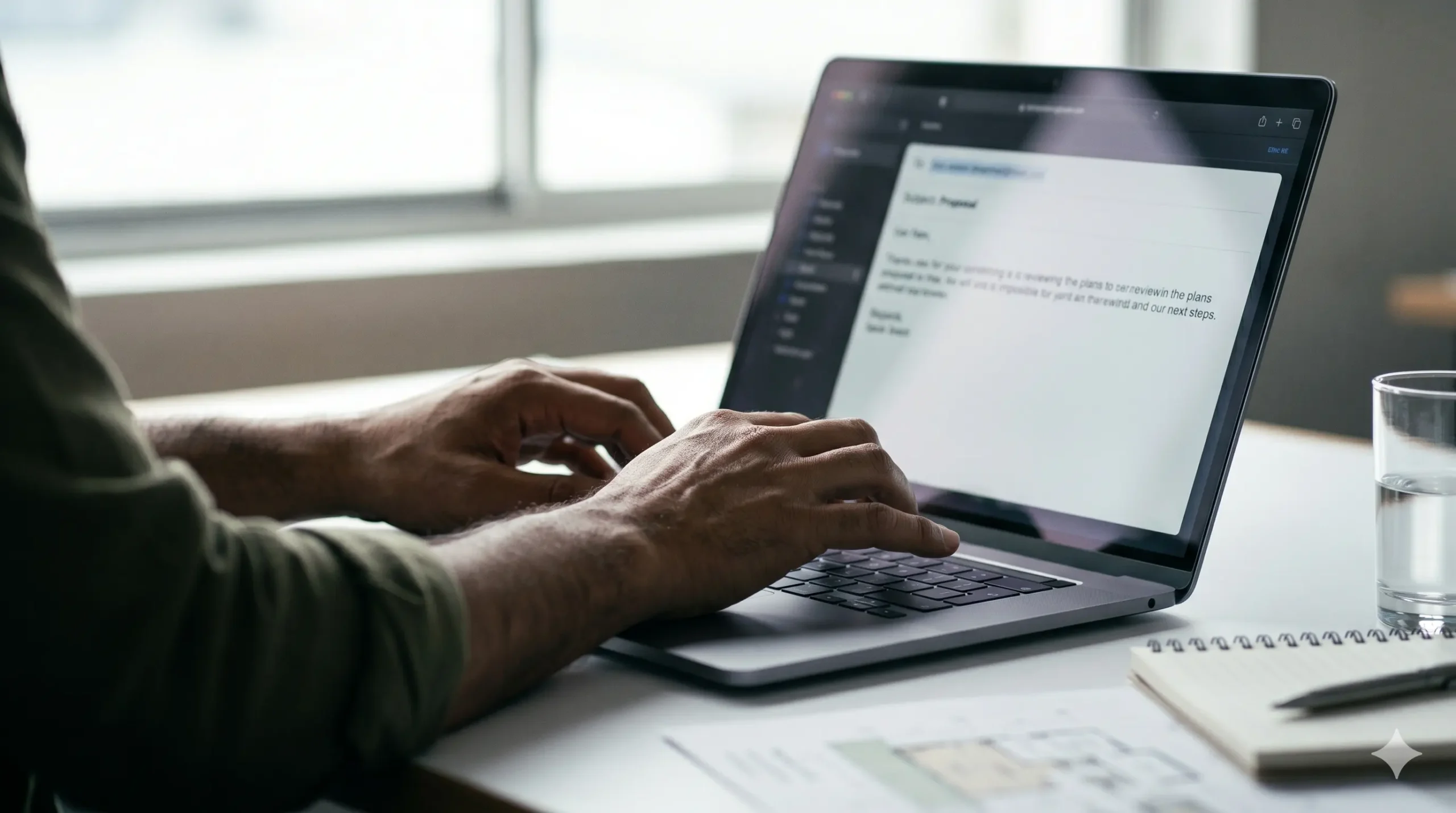
Alt text is what displays when an image is blocked or can’t be loaded. Write alt text that describes what the image does, not just what it shows. “Woman working at a laptop” tells the reader nothing useful. “A simple 3-step process for getting started” tells them what they would be seeing if the image loaded. For purely decorative images, use empty alt text so screen readers skip over it.
Use the right dimensions and file sizes
The standard email width is 600 pixels. This has been the safe default for years and remains correct in 2025/2026. Keep individual images under 200KB where possible, and the total image weight across the whole email under 1MB. Heavy emails load slowly, especially on mobile data. Use a tool like Squoosh or TinyPNG to compress before uploading.
Design for dark mode
Dark mode is now the default for a large portion of mobile users. Apple Mail applies aggressive colour inversion that can make light logos disappear on dark backgrounds.
- Use transparent-background PNG files for logos, not JPEGs with a white background.
- Set explicit background colours on your email containers using CSS.
- Avoid dark text on dark backgrounds in any section.
- Test your emails in dark mode before sending.
Never put your call to action inside an image
Build your CTA buttons from live HTML, not image files. This is what email designers call a bulletproof button. Most modern email platforms (Mailchimp, Klaviyo, Brevo) generate these for you when you drag in a button block. Buttons should be at least 50 to 60 pixels tall, full-width on mobile. Small, hard-to-tap buttons are a direct conversion killer for mobile readers.
Use a single-column layout on mobile
Over 50% of emails are opened on mobile. Design in a single column from the start, at a maximum width of 600px, with font sizes of at least 14px for body copy and 22px or larger for headings. This layout works on every screen without any special responsive coding.
Keep images authentic over polished
Glossy, generic stock photography in email marketing performs worse than photos that feel real. Research from multiple email platforms consistently shows that authentic imagery outperforms library stock shots for engagement. A photo of your actual desk, your actual team, or a real project signals that there’s a real person behind the send.
A quick checklist before you send
- Text-to-image ratio roughly 70:30 or better
- Alt text on every meaningful image
- Images under 200KB each, total under 1MB
- CTA button is live HTML, not an image
- Email makes sense with images turned off
- Logo saved as transparent PNG
- Previewed in dark mode
- Mobile preview checked
Read next
Newsletter ideas for your business covers what to put in each send, and small business newsletter ideas covers which format to run. If you are setting up your list for the first time, start with what to include in a welcome sequence.
Need a hand?
If you want someone to handle your email design and strategy for you, have a look at our email marketing service or get in touch.