

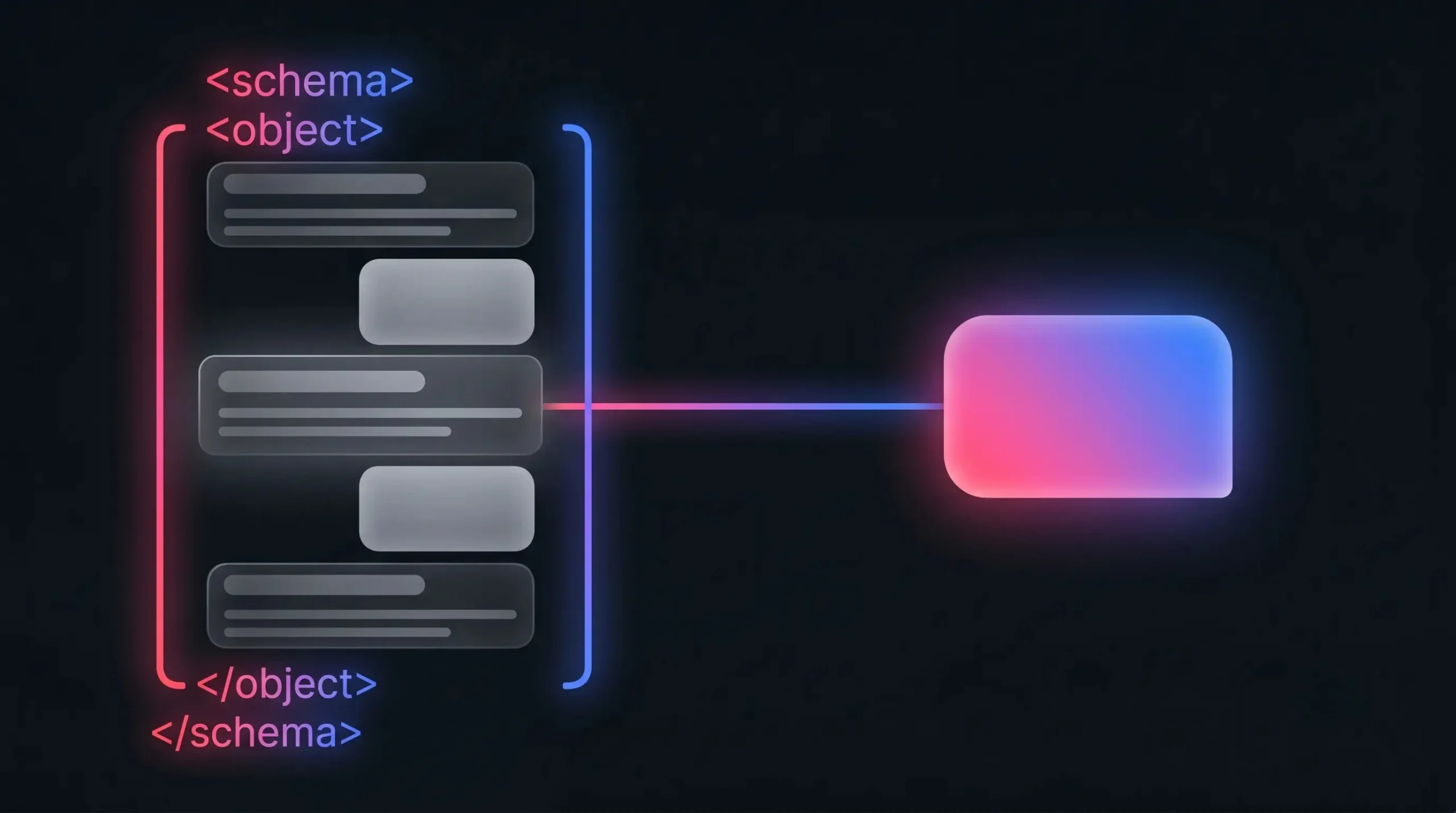
FAQ schema is a piece of code you add to your page that tells Google (and AI tools) exactly which parts of your content are questions and which parts are answers. Pages with FAQ schema have a 2.7x higher citation rate in AI Overviews than pages without it. It is one of the highest-impact, lowest-effort things a small business website can do for AEO.
What FAQ schema actually does
Without schema markup, Google and AI tools have to infer the structure of your content from context. With FAQ schema, you are explicitly telling them: “This is a question. This is the answer. They belong together.” That makes it significantly easier for AI tools to extract and cite your content.
FAQ schema also used to be eligible for FAQ rich results in Google search (the expandable accordion in search results). Google pulled back on this feature for most sites in 2023, but schema still improves AI Overview citation rates and helps with Perplexity, ChatGPT web search and other AI tools.
When to use FAQ schema
Use it on any page where you have a section of questions and answers:
- Service pages with a “Frequently asked questions” section
- Blog posts that answer multiple questions
- Product pages with common buyer questions
- Your homepage if it has a FAQ section
You do not need a dedicated FAQ page. You can add FAQ schema to any page on your site.
What FAQ schema looks like
FAQ schema uses JSON-LD format, which Google recommends. The basic structure is: a script tag containing @type “FAQPage”, with each Q&A pair listed as a Question object with an acceptedAnswer. Each question has a “name” field (the question text) and the answer has a “text” field.
This script tag goes in the head or body of your page. In WordPress, you can add it via a plugin, a Custom HTML block, or directly in your child theme template.
How to add FAQ schema in WordPress
There are three practical ways to do this.
One: use a schema plugin. Rank Math and Yoast SEO Premium both let you add FAQ schema directly from the post editor, without touching code.
Two: add it manually via a Custom HTML block in Gutenberg. Write the JSON-LD script manually and paste it into a Custom HTML block.
Three: add it to your page template via your child theme. This is the most scalable approach if you want FAQ schema on every service page, added once and maintained centrally.
What makes a good FAQ for schema
For schema to help you, the questions and answers need to be genuine. Use real questions your customers ask. If your contact form or client calls consistently surface the same question, that is a FAQ.
Keep answers direct and specific. Two to three sentences is ideal. Long, vague answers do not get cited.
Avoid keyword-stuffing the questions. “What is the best affordable SEO company in South Africa?” is not how a real person asks a question. “Do you offer affordable SEO packages?” is.
Read next
How to write content that AI answers will quote
Google AI Overviews: how they work and how to get cited
More detail in AEO for South African Small Businesses: The Complete Guide.
Need a hand?
If you want help with schema markup or broader SEO work on your site, have a look at our SEO services or get in touch.